How to Check Kerala University Application Status Online: Easy 2026 Guide
If you’ve applied for a UG or PG programme through the University of Kerala’s online admission system, you’ll want to keep an eye on where your application stands. This guide shows you how to check Kerala university application status online, from login to understanding your allotment. If you’re also applying for other academic documents, check our guide on how to apply for a Kerala University migration certificate.
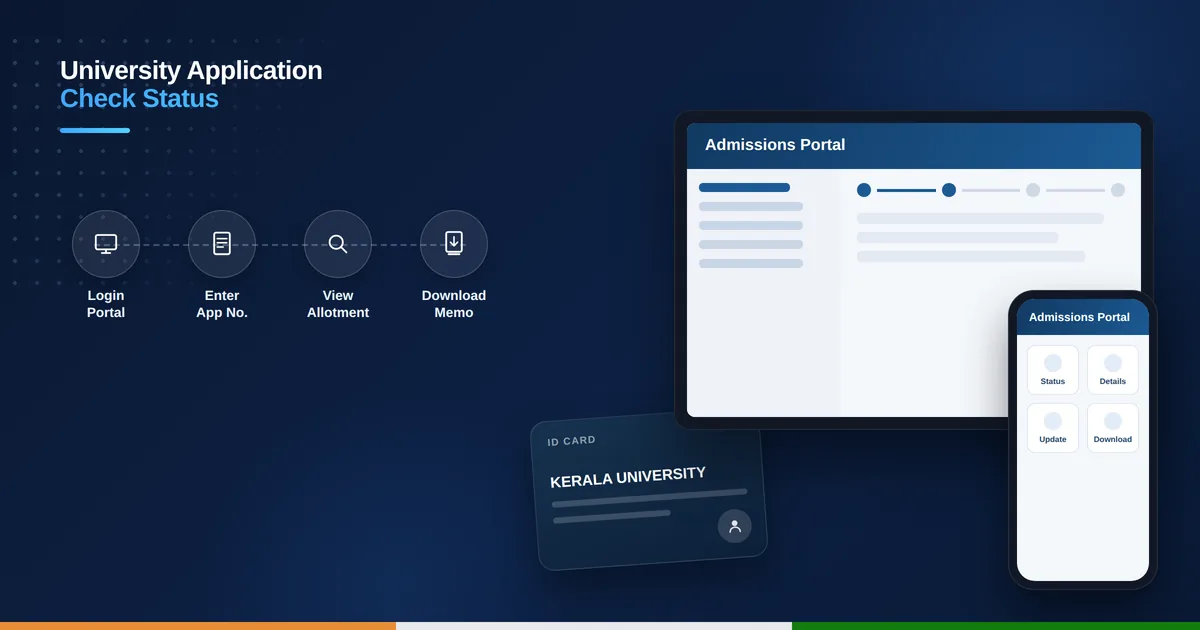
Table of Contents
What Is the Kerala University Application Status Portal
The University of Kerala runs its admissions through a dedicated portal at admissions.keralauniversity.ac.in, separate from the myapplications certificate portal. Every applicant who registers for a UG or PG programme is issued an application number and password, which together unlock a personal dashboard showing verification status, allotment results, and fee payment details.
Why You Should Check Your Status Regularly
Admissions move through several rounds – trial allotment, main allotment, supplementary allotment, and spot allotment – each with its own reporting deadline. Missing a deadline because you didn’t check in time can mean losing your seat entirely. Checking regularly also helps you catch document verification issues early, before they hold up your admission.
What You’ll Need Before You Log In
Keep these things ready before you start:
- Your application number, sent to you by SMS or email at registration
- The password you created while filling out the application
- A stable internet connection and a browser that is not blocking pop-ups
- Your date of birth or registered mobile number, in case you need to reset your password
Step-by-Step: How to Check Kerala University Application Status Online
Follow these steps to view your current status:
- Visit admissions.keralauniversity.ac.in and select the admission cycle you applied for, UG or PG.
- Click on the candidate login option.
- Enter your application number and password, then submit.
- Open the “Allotment” or “Status” section on your dashboard.
- Check whether your application shows as submitted, under verification, allotted, or waitlisted.
- If allotted, download your allotment memo and note the reporting deadline.
- If you do not see an update, log out and check again after a few hours, since the portal updates in batches during allotment rounds.
Understanding the Different Status Stages
Submitted means your application has been received but not yet processed. Under Verification means the university is checking your documents and eligibility. Allotted means you’ve been offered a seat, and you’ll need to confirm and pay the admission fee within the given window. Waitlisted means you’re in line for a seat if someone else doesn’t confirm theirs. Rejected usually points to a document or eligibility mismatch that needs correction.
What to Do After Allotment
Once you are allotted a seat, download your allotment memo from the dashboard, pay the prescribed admission fee, around Rs. 1,430 for general category candidates, and report to your allotted college with the required original documents before the deadline. Missing the reporting window usually means forfeiting the seat, so mark the date as soon as it is announced.
Troubleshooting Common Login Issues
If your application number or password isn’t working, try the “Forgot Password” option using your registered mobile number or email. Clearing your browser cache or trying a different browser also resolves many login glitches. If the portal is completely unresponsive, it’s often just heavy traffic during a fresh allotment release – wait a while and try again rather than repeatedly resubmitting the form.
How can I check my Kerala university application status online?
Log in at admissions.keralauniversity.ac.in with your application number and password, then open the Allotment or Status section on your dashboard to see where your application stands.
What if I forgot my application password?
Use the “Forgot Password” link on the login page and reset it using your registered mobile number or email address.
What does “waitlisted” mean in my application status?
It means you are in line for a seat and could be allotted one later if another candidate does not confirm their admission.
How long do I have to confirm my seat after allotment?
The reporting window varies by round, but it is usually a few days, so check your allotment memo for the exact deadline and do not delay.