How to Update Aadhaar Card Address Online in 2026
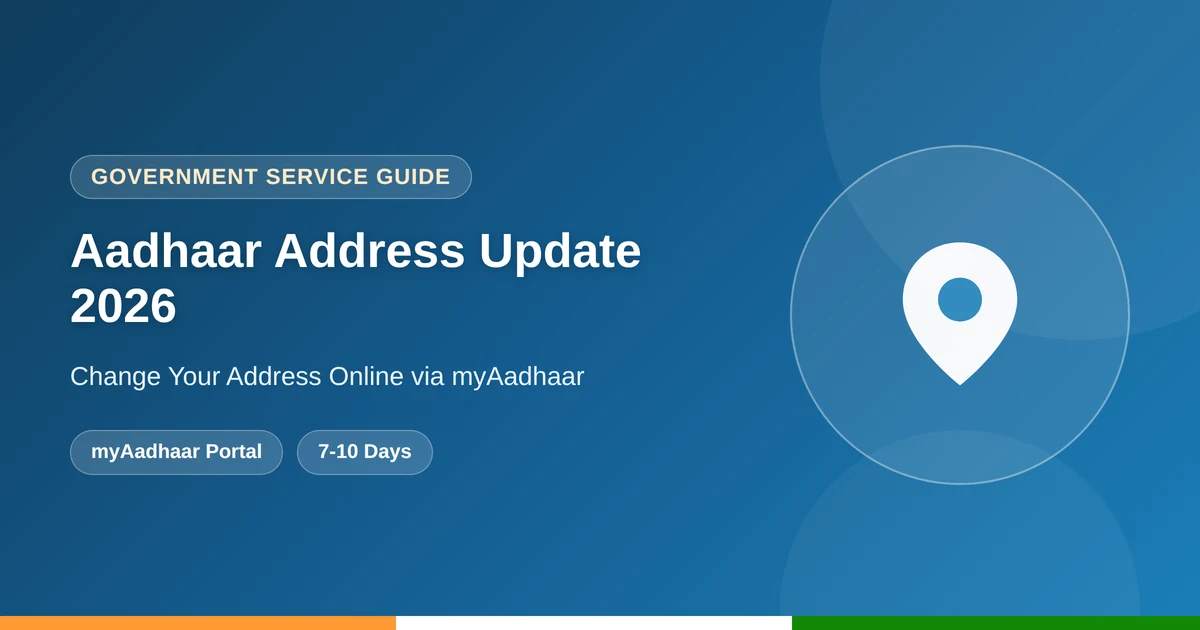
You can update Aadhaar card address online through UIDAI’s myAadhaar portal without visiting an Aadhaar Seva Kendra, as long as you have a valid address proof document and access to your registered mobile number for OTP verification. This guide covers the accepted documents, the exact online steps, fees, and how to track your update request.
Documents Accepted for Aadhaar Address Update
Your address proof must clearly show your name and the new address, and must be a recent document. Accepted proofs include:
- Utility bills such as electricity, water, or gas (not older than 3 months)
- Bank statement or passbook
- Voter ID, driving licence, or passport
- Ration card or property tax receipt
- A registered rental or lease agreement
How to Update Aadhaar Card Address Online via myAadhaar
Follow these steps to update Aadhaar card address online yourself:
Update Aadhaar card address online in seven steps:
Visit the myAadhaar portal
Go to the official myAadhaar website and log in with your Aadhaar number and OTP.
Select Address Update
Choose “Update Aadhaar” and then “Address” from the list of demographic details.
Enter your new address
Fill in your complete new residential address exactly as it appears on your proof document.
Upload your address proof
Scan and upload a clear, colour copy of your address proof document, up to 2MB in size.
Review and submit
Check every field carefully, then submit your update request.
Save your Service Request Number (SRN)
Note the SRN shown on screen to track your update status later.
Download updated e-Aadhaar
Once approved, download your updated e-Aadhaar from the same portal.
Fees to Update Aadhaar Card Address Online
UIDAI periodically runs free windows for online self-service demographic updates through myAadhaar, so check the portal for the current status before you begin. If you instead visit an Aadhaar Seva Kendra, a demographic update such as an address change carries a fee of ₹50, while biometric updates cost ₹100. Always confirm the latest fee on the official UIDAI website, since charges are revised from time to time.
How Long Does the Address Update Take?
Online address updates through myAadhaar are typically processed within 7 to 10 working days. If your request goes through the Address Validation Letter method instead, where a neighbour or head of family confirms your address, it can take up to 30 days including postal delivery. You can track your request status anytime using your Service Request Number on the myAadhaar portal.
What If You Don’t Have Address Proof in Your Name?
If none of your documents are in your own name, UIDAI allows an Address Validation Letter request, where the head of the family verifies your address through their own Aadhaar and OTP. This generates a secret code that is mailed to the family head’s address and used to complete your update without a separate proof document.
Common Mistakes to Avoid
- Uploading a document where the name does not match your Aadhaar exactly
- Submitting a utility bill older than 3 months
- Typing the new address with inconsistent spelling or abbreviations
- Losing the Service Request Number needed to track the update
Aadhaar Address Update FAQs
Can I update Aadhaar card address online for free?
Online updates through myAadhaar are often free during UIDAI’s promotional windows, though this is subject to change, so check the portal for the current fee status before submitting.
What documents can I use to update my Aadhaar address?
Utility bills, bank statements, voter ID, passport, driving licence, ration card, or a registered rental agreement are all accepted, as long as they show your name and the new address.
How long does it take to update Aadhaar card address online?
Standard online updates typically take 7 to 10 working days, while the Address Validation Letter method can take up to 30 days.
What if I don’t have any address proof in my own name?
You can use the Address Validation Letter option, where the head of the family verifies your address using their own Aadhaar and OTP.
How can I track my Aadhaar address update request?
Use the Service Request Number (SRN) generated at submission to track your update status on the myAadhaar portal.
Final Thoughts
Updating your Aadhaar card address online is simple once you have a valid, recent address proof ready to upload. Double-check your new address for accuracy before submitting, and save your Service Request Number so you can track progress. For more government service guides, see our coverage of Aadhaar card download and PAN card apply online.