NPS Account Balance Check Online: Easy 2026 Guide
Whether your NPS contributions come through your employer or you invest voluntarily, the only way to know if your retirement corpus is actually growing is to run an NPS account balance check online every few months. Your Permanent Retirement Account Number (PRAN) links every contribution, market return, and withdrawal into one holding statement, and checking it takes less than five minutes through any of four free methods.
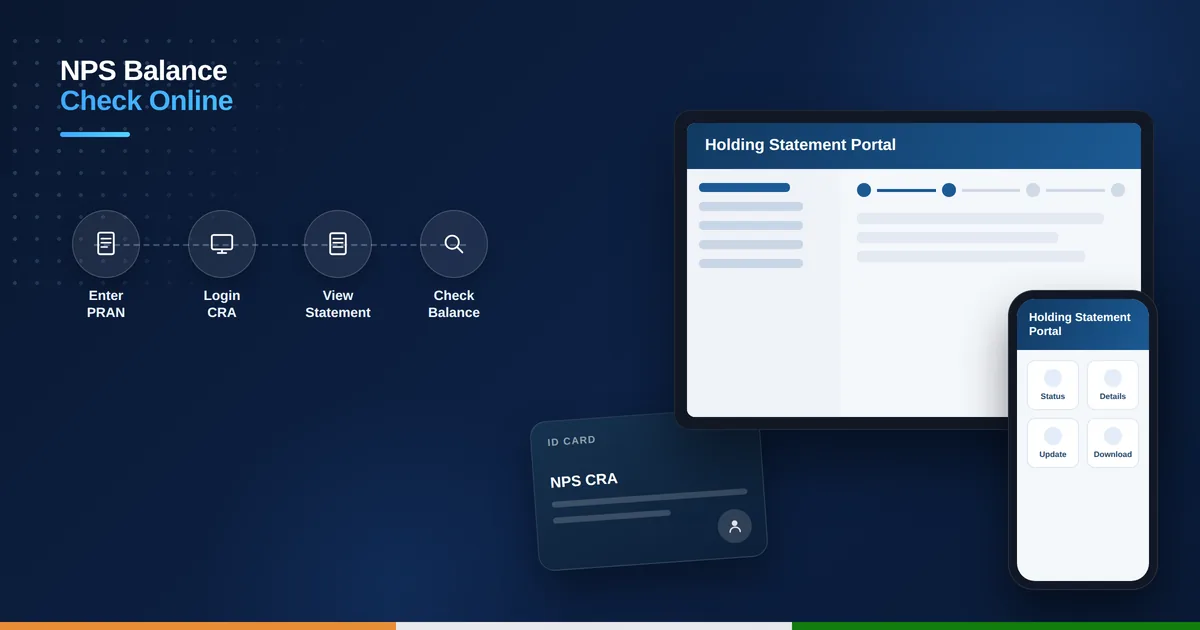
Table of Contents
What Is a PRAN and Why It Matters
Your PRAN is a unique 12-digit number generated the moment you open an NPS account, and it stays with you for life regardless of which employer or bank you invested through. It doubles as both your login ID and your account number, so losing track of it means losing access to your holding statement, tier-wise balance, and fund performance details until you retrieve it through the portal’s recovery option.
What You Need Before You Check
Keep your PRAN and CRA (Central Recordkeeping Agency) password ready for the fastest login. If you’ve forgotten your password, your registered mobile number and email are enough to reset it. For the missed-call method, just make sure you’re calling from the mobile number registered against your NPS account, since the system matches you by that number alone.
NPS Account Balance Check Online via the CRA Portal
- Visit the CRA/eNPS portal (npscra.nsdl.co.in or cra-nsdl.com depending on your CRA).
- Enter your PRAN as the User ID and your password, then complete the captcha.
- Click “Transaction Statement” in the main menu.
- Select “Holding Statement” to see your current balance.
- View Tier I and Tier II balances separately, along with returns since inception.
The holding statement also breaks down your investment across equity, corporate bonds, and government securities, depending on which asset allocation you chose when you enrolled. This is worth reviewing every year to confirm your fund choices still match your risk appetite, especially as you get closer to retirement age and might want to shift toward safer instruments. Running an NPS account balance check online each quarter helps you confirm these figures match your salary slips.
Check NPS Balance via the UMANG App
- Download UMANG and search for “NPS” under All Services.
- Select your CRA (NSDL or Kfintech) from the list.
- Tap “Current Holding” or “View Statement.”
- Log in with your PRAN and password.
- View your latest balance and recent transactions instantly.
Check NPS Balance via Missed Call
If you just need a quick number without opening an app, give a missed call to 9212993399 from your NPS-registered mobile phone. Within moments, the NPS system texts back your current balance directly. It is a handy backup when you are checking your Atal Pension Yojana or NPS savings on the go without data access, and it costs nothing beyond your regular call charges, if any.
Tier I vs Tier II — Reading Your Statement
Tier I is your primary retirement account with tax benefits but restricted withdrawals until 60. Tier II is an optional, more flexible savings account you can withdraw from anytime, though it doesn’t carry the same tax advantages. Your holding statement lists both separately, so always check which tier a specific balance belongs to before assuming funds are available for immediate withdrawal or transfer. Knowing which tier you are checking matters when you do an NPS account balance check online, since the two statements are shown separately.
What If Your NPS Balance Looks Wrong
If your employer contributes to your NPS account but the amount doesn’t reflect in your holding statement, the most common cause is a delay in your employer’s monthly upload to the CRA system, which can take a few extra days beyond the usual processing window. Persistent mismatches are usually traced to an incorrect PRAN mapping in your employer’s payroll records. A quick NPS account balance check online is the fastest way to confirm whether the missing contribution has actually been credited.
It’s worth cross-checking your contribution schedule against your salary slip every quarter rather than waiting until year-end, since catching a missed contribution early makes it far easier for HR or your CRA to trace and correct before records get harder to reconcile.
What if I forgot my PRAN number?
Retrieve it via the “Forgot PRAN” option on the CRA portal using your registered mobile number, email, or Aadhaar, or check your NPS welcome kit or account opening documents.
Is checking NPS balance online free?
Yes, checking your balance through the CRA portal, UMANG app, or missed call service is completely free of charge.
How often is my NPS balance updated?
Contributions typically reflect in your holding statement within 2-3 working days of being credited, while market-linked returns update daily based on NAV.
Can I check NPS balance without logging in?
Yes, the missed call service to 9212993399 gives you your balance instantly without any login, as long as you call from your registered mobile number.