UAN Status Check Online: Easy 2026 Guide
Every salaried employee in India gets a Universal Account Number the moment their first EPF contribution is deposited, but not everyone knows whether their UAN status check online actually shows “active.” An inactive or unlinked UAN silently blocks you from viewing your passbook, filing an online claim, or transferring your PF when you switch jobs. Fortunately, EPFO lets you check your UAN status, retrieve a forgotten UAN, and spot KYC gaps in under five minutes, all for free.
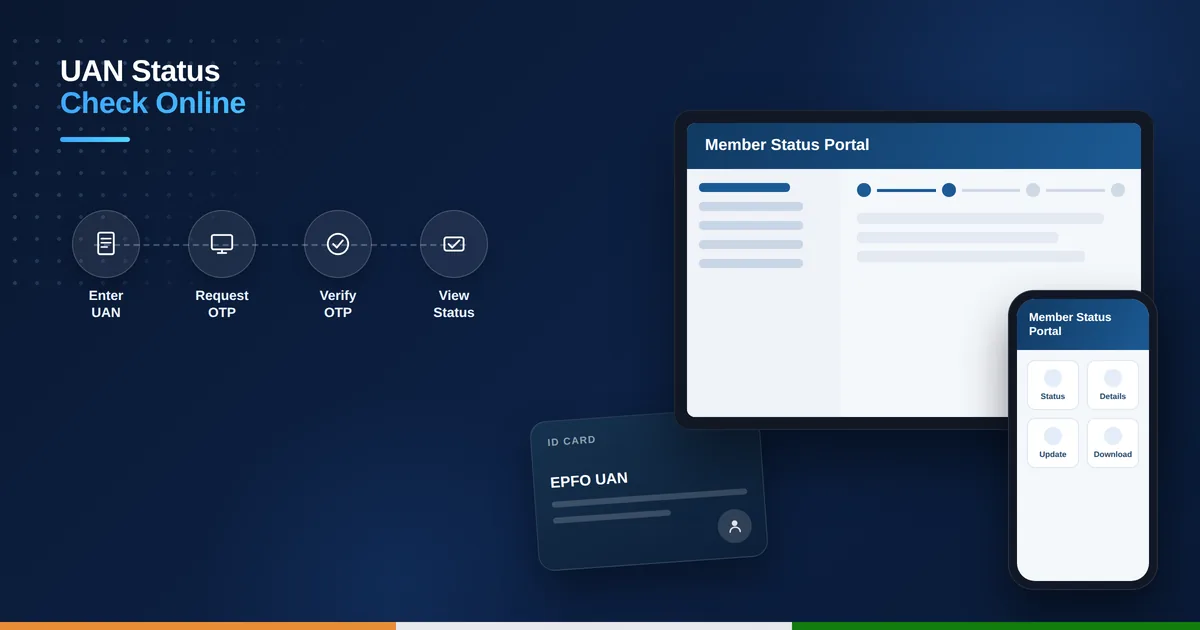
Table of Contents
What Your UAN Status Tells You
Your UAN acts as a permanent 12-digit identifier that stays with you across every employer for life, while your member ID changes with each new job. Checking its status confirms whether the number is activated on the EPFO portal, whether your Aadhaar, PAN, and bank account are properly linked, and whether your employer has approved your KYC. An inactive or unverified UAN is one of the most common reasons PF claims get rejected or delayed.
What You Need Before You Check
To run a UAN status check online you’ll need your 12-digit UAN, printed on your salary slip, appointment letter, or the SMS EPFO sends after your first contribution. Keep your registered mobile number ready too, since most verification steps confirm your identity with an OTP. If you don’t know your UAN at all, your Aadhaar number, PAN, or old member ID is enough to retrieve it through the portal’s lookup tool.
How to Check UAN Status via the EPFO Member Portal
- Visit the EPFO member e-Sewa portal (unifiedportal-mem.epfindia.gov.in).
- Click “Activate UAN” if you have never logged in before, or “Employee Login” if you already have a password.
- Enter your UAN and registered mobile number and request the OTP.
- Enter the OTP within the time limit to complete verification.
- Once verified, your dashboard opens — a working login confirms your UAN is active.
- Check the “KYC” tab to see whether Aadhaar, PAN, and bank details show a green tick or a pending status.
A successful login is the clearest sign your UAN is active and ready to use. If the KYC tab shows any detail as “Pending Approval,” your employer still needs to digitally sign off on it before you can raise an online claim, so it’s worth following up with your HR or payroll team directly.
How to Find Your UAN If You’ve Forgotten It
- Go to the EPFO member portal homepage and click “Know Your UAN.”
- Enter your registered mobile number and the captcha, then click “Request OTP.”
- Enter the OTP you receive by SMS.
- Fill in your name, date of birth, and either your Aadhaar, PAN, or old member ID.
- Submit the form — your UAN is displayed instantly and also sent to your phone.
Check UAN Status via the UMANG App
The UMANG app gives you the same result without opening a browser. Install UMANG, search for “EPFO” under All Services, and tap “Know Your UAN.” Enter your mobile number, verify the OTP, and provide either your Aadhaar or member ID when prompted. A successful lookup that returns your UAN also confirms the number is registered and traceable in EPFO’s system, though you’ll still need the member portal to see full KYC status.
What to Do If Your UAN Shows Inactive
An inactive UAN usually means you’ve never completed the one-time activation step, even though the number itself was generated. Head to the member portal, click “Activate UAN,” and enter your UAN along with your name, date of birth, Aadhaar, and mobile number exactly as they appear in EPFO’s records — mismatches are the most common reason activation fails.
Once verified by OTP, set a password, and your account becomes fully active within a few minutes. From there, you can immediately check your EPF balance online to confirm your latest contributions are visible.
How do I know if my UAN is active without logging in?
If you’ve ever received SMS balance updates from EPFO on your registered mobile number, your UAN is almost certainly active; confirm for certain with the “Know Your UAN” lookup or by logging into the member portal.
Can I have more than one UAN?
No, EPFO allows only one UAN per person for life; if a new employer accidentally generates a second one, you must get it merged by submitting a request through your current employer.
What if the OTP for UAN activation doesn’t arrive?
Confirm your mobile number is correctly registered with EPFO, wait a few minutes for network delay, then use the “Resend OTP” option; a consistently missing OTP usually means your mobile number needs to be updated by your employer first.
Is UAN status check online free of cost?
Yes, checking your UAN status check online through the EPFO portal, UMANG app, or Know Your UAN tool is completely free and does not require any registration fee.